Forum Discussion

Windows 11 PC Unexpected system crashes
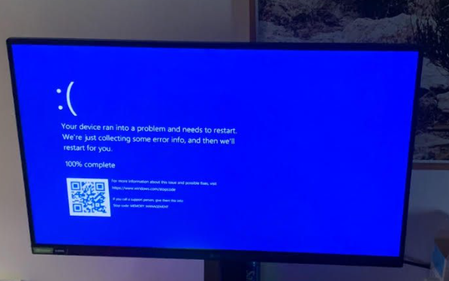

Hi, your error code already indicates it's related to memory management.
What you can do is check the built-in log of crashes. For this, press Win + R, type perfmon /rel, and hit Enter (you can also just search for "Reliability Monitor" in the Start menu search bar). This should open the Reliability Monitor of Windows, which logs the issues and date/times of your crashes — helping you narrow the problem down to a specific driver, application, or hardware failure.
If you sometimes face the issue that the PC crashes instantly without even showing a blue screen, the problem is most likely hardware related. For this, you can open PowerShell as Administrator and run:
Get-WinEvent -FilterHashtable @{LogName='System'; ProviderName='Microsoft-Windows-WHEA-Logger'} -MaxEvents 30 | Format-List TimeCreated, Id, MessageThis pulls the last 30 hardware-related error events (WHEA = Windows Hardware Error Architecture). If you see entries here, the Message field will usually tell you whether it's related to the CPU, memory, or another hardware component.
Hope this helps narrow the issue down. If the issue turns out to be hardware related for example, if it states that a CPU core is failing (I had this exact case just this week), keep in mind the root cause could also be power mismanagement from the power supply or the motherboard, rather than the CPU itself being defective.
(Drafted with AI assistance, but the approach and steps are my own and verified before posting.)