Forum Discussion

Windows 11 cannot extend the C: drive into unallocated space
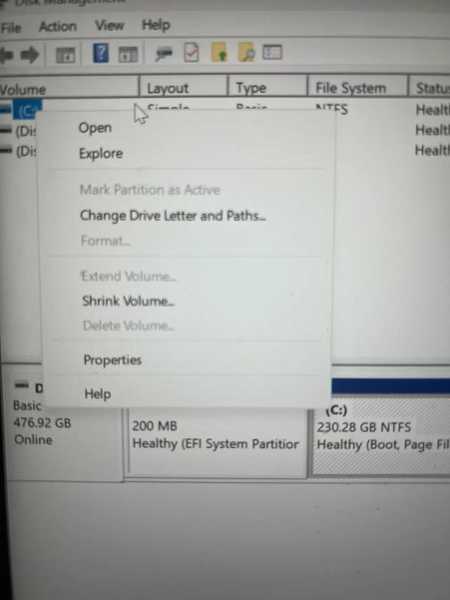

Deleting D: does not automatically make that space usable for extending C:. Windows Disk Management requires suitable unallocated space on the same disk, immediately to the right of the volume being extended. Your screenshot is cropped before the complete disk layout, so it does not establish what lies after C: or where the unallocated space is located. First, back up important files and provide a screenshot showing the entire Disk 0 row. If another partition separates C: from the free space, Disk Management cannot move it, and switching to PowerShell does not remove that layout requirement. Do not delete EFI or recovery partitions experimentally. If enlarging C: requires rearranging partitions, have the technician plan a backed-up migration or repartition-and-restore procedure. If the deleted D: contained files you still need, stop making changes and address recovery before formatting or reallocating that space