Forum Discussion

Philipess
Jun 06, 2025Iron Contributor
Window becomes huge when edge snapping on one monitor
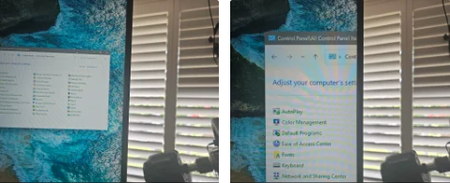
I recently switched from Windows 10 to 11 and have one issue. I have three monitors in a PLP configuration. The two sides are 1440X2560 in portrait and the center is 5440X1440. On WIn10, I used Displ...

Eommy
Jun 10, 2025Silver Contributor
Sounds like a Windows 11 bug with multi-monitor edge snapping—usually caused by weird display scaling or graphics driver glitches. Try updating your graphics drivers, double-check your display scaling in Settings > System > Display, and maybe disable any third-party window managers (like remnants of DisplayFusion). If it keeps happening, toggling Snap Assist off/on or rebooting sometimes helps. If nothing works, it's likely a Windows 11 quirk—worth sending feedback to Microsoft!