Forum Discussion

MontanaGrizzly
Oct 31, 2025Iron Contributor
Win 10 to Win 11 with cpu/mb replacement
My desktop PC is a home built machine, a beast in its day but now about 6 years old, which is currently running Windows 10. I get the normal nags from Microsoft inviting me to upgrade to Windows ...
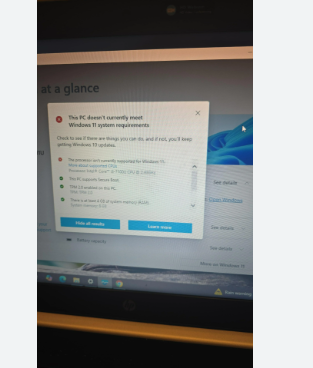

rohankh
Oct 31, 2025Tin Contributor
✅ When you can reuse your existing license
You can activate Windows 11 on your rebuilt PC if:
| License Type | Transfer Allowed? |
|---|---|
| Retail Windows 10 | ✅ Yes, can move to new hardware |
| Digital license linked to Microsoft account | ✅ Yes, reactivate after hardware change |
| Upgrade from retail Windows 7/8 → Windows 10 | ✅ Yes |
| OEM Windows 10 moved to same motherboard | ❌ No (but you're changing motherboard) |
❗ When you cannot reuse it
If your current Windows 10 license is:
- OEM / manufacturer-tied (came preinstalled from HP, Dell, etc.)
- Or Windows 10 OEM bought separately
Then it's legally tied to that motherboard and cannot be transferred.
Since you home-built your machine originally, you almost certainly installed a retail copy, so you're good.
✅ What to do (simple steps)
- Sign in to your current Windows 10 with a Microsoft account
- Settings → Accounts → Your info
- Ensure it says “Windows is activated with a digital license linked to your Microsoft account.”
- After rebuilding PC → install Windows 11
- When activation fails (it likely will), select:
Troubleshoot → I changed hardware on this device recently
- Pick your old PC from the list, confirm, and Windows 11 activates.
💡 Tip: If BIOS won’t pass Win11 requirements
Your new motherboard must support:
- TPM 2.0
- Secure Boot
- UEFI
Modern boards do — just enable them in BIOS.
📦 Summary
| Situation | Need new license? |
|---|---|
| Retail Win10 / digital license | ❌ No |
| OEM Win10 tied to old board | ✅ Yes |
| Home-built PC originally installed manually | ❌ Almost always no |
If you want, paste what Windows says under:
Settings → System → Activation