Forum Discussion

Wi-Fi 6E Dropping Connection on Windows PC
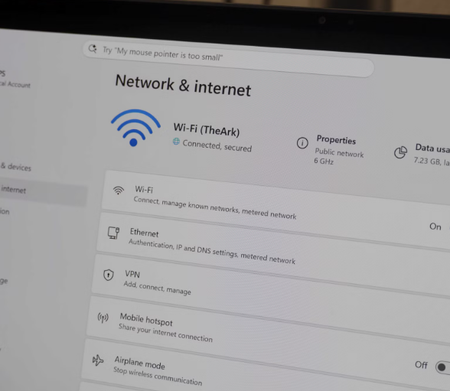

Because only 6 GHz drops, first separate radio coverage from the Windows network stack. That band has shorter range and weaker wall penetration than 5 GHz. Test near the router, give 6 GHz a distinct SSID, and compare stability. If that resolves it, placement, channel width, or band steering is likely involved.
Run netsh wlan show drivers and confirm the adapter reports 802.11ax and WPA3 support. Verify that the active connection is 6 GHz. Install Wi-Fi, chipset, and BIOS packages from the PC manufacturer rather than relying only on Device Manager’s driver result.
For isolation, disable adapter power saving and test a 6 GHz channel with narrower width. Change one setting at a time. Generate a report with netsh wlan show wlanreport and correlate disconnect reason codes with the drop times. If 5 GHz stays stable under the same security settings, provide that report to the adapter and router vendors