Forum Discussion

Why I can't change my folder color anymore?
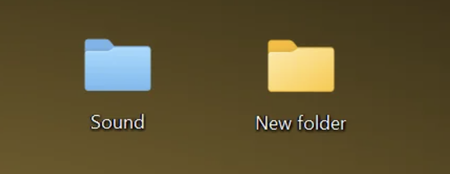

And the saga continues - I was setting folder color from File Explorer just fine until about one or two weeks ago. And now it behaves inconsistently.
First, I try to change the folder color, no option anywhere in File Explorer - not in OneDrive sub-menu, not in Properties, not in Options.
Then I try again, and in OneDrive submenu it appears, but dimmed:
Then, one minute later, it is not there:
Absolutely weird - yes, it works when I do View Online and actually do this online in OneDrive, but it is inconsistent in File Explorer, and it bothers me more that it is intermittently showing (dimmed) and disappearing... My OneDrive is constantly on and syncing all the time so no problems there...
Yet another Microsoft mystery - and I am thinking it may have something to do with OneDrive (online) itself and the way it is coordinating/synchronizing functionality across to File Explorer. But if it was there and was working fine, why is it now intermittent or missing (and messing around)?
And is there any Microsoft advisor, consultant or tech support seeing this?
It may be a bug somewhere, either in OneDrive or in File Explorer....
I have this exact problem today 3/6/2026 Why MS remove the option?