Forum Discussion

Why does my computer always boot into "Preparing Automatic Repair" after installing Kubuntu?
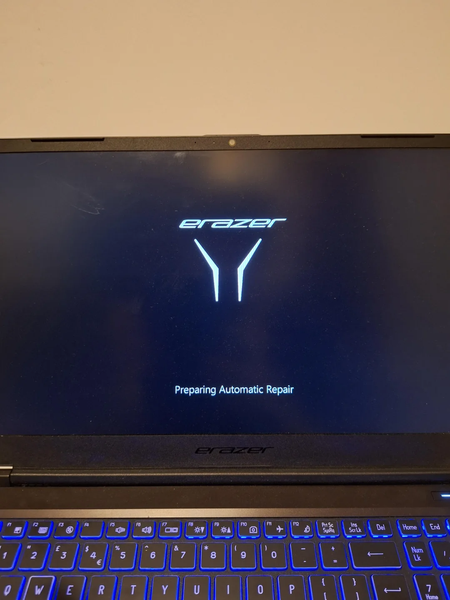

You need to recover a Windows boot path after the Kubuntu installation. Avoid repeated repair attempts or reinstallations until the data is copied somewhere safe. From a Windows installation or recovery USB, choose Repair your computer, then Troubleshoot and Advanced options; do not choose Reset this PC. First use Startup Repair once. If it cannot fix the boot entry, open Command Prompt from Advanced options and identify the Windows and EFI partitions before making boot configuration changes. Keep partitions intact and do not format, repartition, or reinstall either operating system while the project is only on that disk. If possible, use a live environment to copy the project to external storage. The problem may involve boot entries or the EFI system partition, but the layout matters after a dual-boot installation. Once files are safe, use Windows Recovery Environment tools or obtain model-specific assistance with the partition layout and error details.