Forum Discussion

szq2014
Nov 24, 2025Copper Contributor
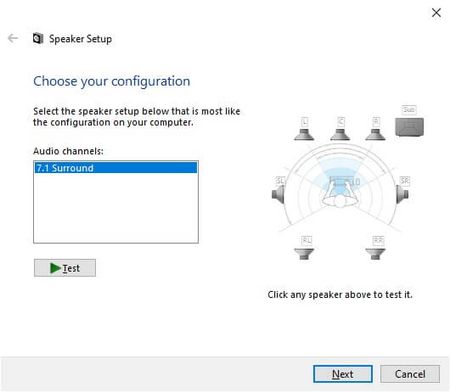
Where do I find the test sounds used by Windows when you test a speaker?
I’m looking for the files or DLLs that Windows plays when you click ‘Test’ on the Windows audio output tab? I need them in high quality for a project I am working on. Ideally I need them as WAV, MP3,...

Ushaojin
Nov 26, 2025Iron Contributor
Recommend Method: Use Resource Hacker (Easiest)
- Download Resource Hacker (free tool)
- Open audiodg.exe or mmres.dll from System32
- Navigate to WAVE section in the resource tree
- Look for resources numbered 5000-5010 (these are typically the test tones)
- Right-click each one and "Save as .wav"
