Forum Discussion

HarperClark
Apr 24, 2025Iron Contributor
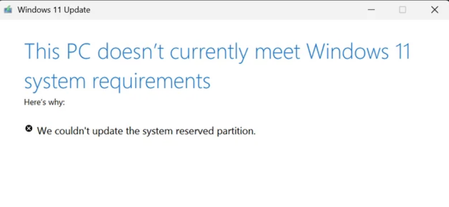
We couldn't update the system reserved partition
If the PC doesn't meet requirements, system should give the exact requirement which was not met or give more information. Just this screen won't help. And this is not upgrade from 10 to 11. Its just ...

JoelJ
Jan 20, 2026Copper Contributor
In Command Prompt (Run as Administrator):
1. Mount the System partition to Y:
mountvol y: /s
2. Switch to the Y drive:
y:
3. Go to the Fonts folder:
cd EFI\Microsoft\Boot\Fonts
4. Delete the files:
del *.*
When prompted, type Y to confirm.
5. Verify the space:
dir
Check the last line showing "X bytes free".
Voila — space freed on the system partition.