Forum Discussion

TAW211NA
Feb 19, 2026Copper Contributor
User Folder displaying wrong name and icon
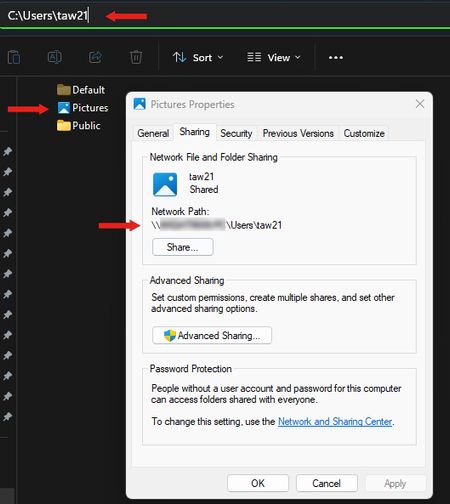
I recently noticed that my personal user file is displaying the name "Pictures" and has the Pictures icon. However, when I click on the folder, everything is correct within the folder and the addres...

Leroy95
Feb 26, 2026Brass Contributor
Right-click the folder > Properties > Customize tab.
Click Change Icon.
Select the default icon for your user folder or the icon you prefer.
Click OK and then Apply.
 TAW211NAFeb 26, 2026Copper Contributor
Thanks for your reply. While I could change the icon, the folder still displays as "Pictures", even though the address bar correctly identifies it with the name of my user folder.