Forum Discussion

Abigailop
Aug 26, 2026Tin Contributor
User account settings changed unexpectedly
My Windows user account settings, including my desktop background, theme colors, and privacy options, keep changing back to default on their own. This happens after every restart, even though I'v...

Michelle_Scott77
Aug 27, 2026Tin Contributor
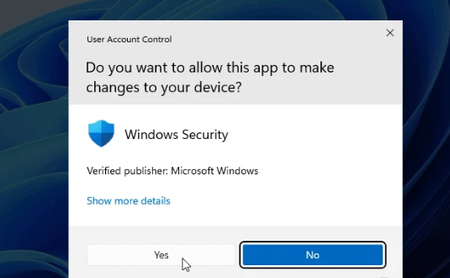
The screenshot only shows a Windows Security permission prompt. It does not show why your account settings are resetting. If you did not start the action yourself, select No.
Settings returning to default after every restart usually means Windows is loading a temporary or damaged user profile. Try these checks:
- Open Settings > Accounts > Windows backup.
- Turn off Remember my preferences temporarily.
- Change the wallpaper or theme, restart, and check whether the change remains.
If it still resets, create a test account:
- Open Settings > Accounts > Other users > Add account.
- Select I don’t have this person’s sign-in information.
- Select Add a user without a Microsoft account.
- Sign in to the new account, change its wallpaper, and restart.
If the new account remembers the settings, your original user profile is probably damaged. Back up your Documents, Pictures and other personal files, then use the new account.
Also check Settings > Accounts > Access work or school. A connected company or school account may apply its own settings whenever you sign in.