Forum Discussion

Juleta
Jun 23, 2026Tin Contributor
unwanted notifications on my Windows 11 computer
I’m dealing with persistent unwanted notifications on my Windows 11 computer that keep appearing even after I’ve tried adjusting settings in the action center and notification panel. These pop-up...

Jamony
Jul 06, 2026MCT
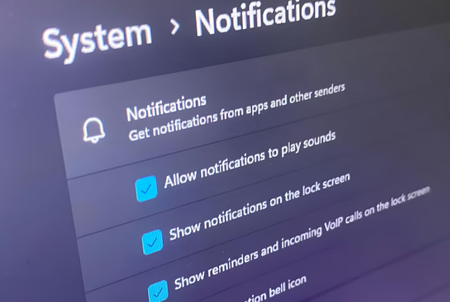
Hi Juleta, unwanted notifications usually come from either Windows apps or websites allowed in the browser. Go to Settings > System > Notifications and turn off anything you do not need. Then check your browser notification permissions, especially in Edge or Chrome, and remove any websites you do not recognize. A lot of people accidentally click Allow on a website, and then it keeps sending fake alerts that look like system messages. If the notifications mention antivirus warnings, prizes, or urgent cleanup tools, do not click them. Just remove the permission and run a Defender scan after.