Forum Discussion

The battery charging icon change from time to time. Is this normal?
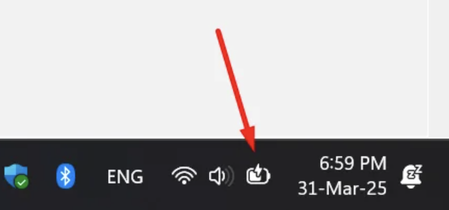

1. Normal causes of icon changes
Charging status feedback:
When the battery is in fast charging status, the lightning symbol may show yellow/white.
When charging slowly or close to full charge, the lightning symbol may become smaller/grey.
2. System theme adaptation:
Dark/light mode switching will result in icon colour fine-tuning.
3. Troubleshooting of anomalies
Driver problem:
Right-click ‘Start Menu’ → Device Manager → Expand ‘Battery’ → Right-click to uninstall ‘Microsoft ACPI Compatible Control Method Battery’ → Restart the computer to reinstall the driver automatically.
4. Optional User Measures
If only visual changes do not affect the charging: No action is required (this is a system design feature).
5. If accompanied by abnormal charging: Try to replace the charger/cable.
Contact the hardware manufacturer to update the BIOS/UEFI.