Forum Discussion

pac9989
Mar 19, 2025Copper Contributor
System dialog boxes unreadable
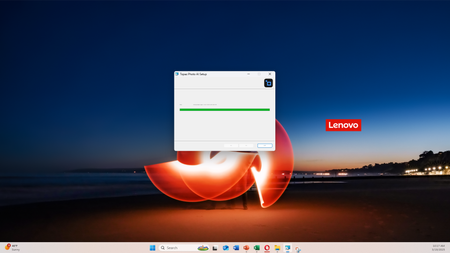
Windows 11 system dialog boxes are unreadable (see the attached when installing Topaz lab apps). Changing the display resolution and/or font size would not help. Any help appreciated. Thx.

GalenRiver
Mar 23, 2025Iron Contributor
Try this: go to Settings > System > Display > Graphics, find the Topaz Labs app, click Options, and set it to use High Performance (GPU). Also, right-click the app shortcut > Properties > Compatibility, and check "Disable display scaling on high DPI settings." This often fixes unreadable dialog issues on Windows 11.
 pac9989Mar 24, 2025Copper Contributor
Thank you. I tried both of your suggestions and it did not work. Topaz is just one of the software. The dialog box fonts are sometimes so small that they are unreadable, and at other times so big that they spill over beyond the screen and become unreadable, as shown below.