Forum Discussion

PC becomes slow after several months of use
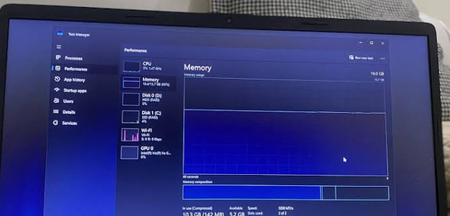

Slowness across File Explorer, browsers, and app switching suggests a system-wide bottleneck. Open Task Manager while the PC feels slow and sort by CPU, Memory, and Disk; record the process and resource that stays near capacity instead of ending unfamiliar Windows processes. Check the Performance tab for memory pressure and sustained disk activity. Next install pending Windows updates, restart, free space with Storage Sense, and disable only unneeded Startup apps. Update Microsoft Defender security intelligence and run a full scan. If Explorer remains sluggish, run DISM.exe /Online /Cleanup-image /Restorehealth and then sfc /scannow from an elevated Command Prompt. A clean boot is the next useful comparison: if performance returns, re-enable services and startup items in groups to find the conflict. If disk warnings, freezes, or read errors appear, back up immediately and run the manufacturer’s hardware diagnostics; software cleanup cannot repair a failing drive or insufficient physical memory.