Forum Discussion

MS Supervisor said Find my Device only works with Surface devices and not desktops
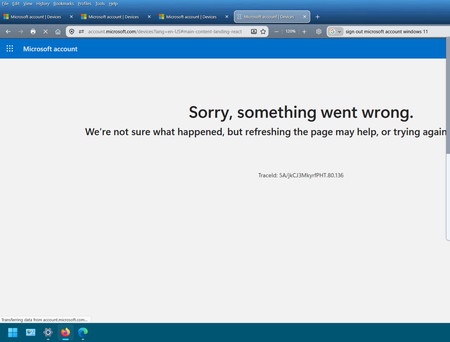

Find My Device is not limited to Surface; Microsoft documents it for any Windows PC. The confusion may come from registration: only Surface devices can be added manually by serial number, while other Windows 11 PCs are added automatically when you sign in. Your screenshot shows the Microsoft account Devices portal returning “Sorry, something went wrong,” not that the desktop is unsupported. On the PC, confirm Settings > Accounts > Your info shows the personal Microsoft account and administrator status. Enable Settings > Privacy & security > Location and Find my device, keep the PC online, and restart. Sign out of the Microsoft account dashboard, then retry Devices in an Edge InPrivate window or after clearing its site data. Allow up to 24 hours for the device list to refresh. If the error appears in another browser, save its TraceId and UTC time and open a Microsoft account support case.