Forum Discussion

Is it possible to manually set the size of Windows 11 taskbar icons to 32x32?
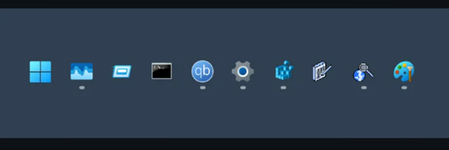

You’re trying to stop Windows 11 from shrinking taskbar icons to 24×24 because custom icons become blurry, and you want a supported way to return them to 32×32. Current builds provide a taskbar setting rather than a documented Registry value. Right-click an empty taskbar area, select Taskbar settings, expand Taskbar behaviors, and set Show smaller taskbar buttons to Never. Microsoft states that Never keeps icons at their original size instead of reducing them when the taskbar fills. If that choice is missing, install Windows updates, restart, and check again; the control arrived through a cumulative Windows 11 update. Windows does not expose a supported setting that forces 32×32, so avoid old TaskbarSi Registry tweaks because Microsoft does not guarantee them on current builds. If custom icons remain blurry with Never selected, press Windows+F and submit the screenshot through Feedback Hub, since no further supported taskbar-size control is available.