Forum Discussion

AustinGreen
Aug 21, 2026Iron Contributor
I just want search to show apps only
All I care about is getting installed apps or system apps in my search results. There's already a tab that does this—but I'd rather just see apps by default or have the option to only show apps and n...

CameronTaylor1998
Aug 24, 2026Brass Contributor
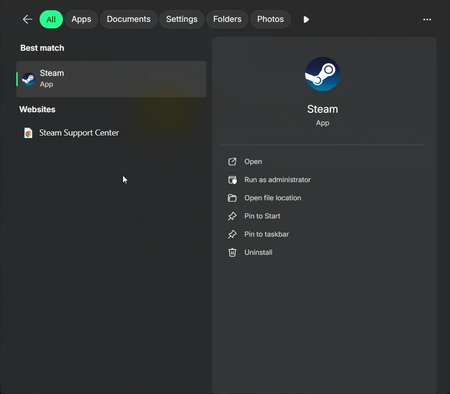
Unfortunately, Windows 11 currently has no supported setting to make Apps the default search tab or restrict Start search to apps only. Search always opens on All, and it does not remember the last tab you selected.
The built-in options are:
- Press Win + S, enter the app name and select the Apps tab.
- For an apps-only view, press Win + R, enter shell:AppsFolder, and press Enter. This opens a folder containing installed desktop and Microsoft Store apps.
- To make that view easier to access, create a shortcut with explorer.exe shell:AppsFolder as its location and pin the shortcut to Start.
Turning off Search highlights or cloud content search may reduce some online content, but it will not make Apps the default tab or completely change Start search into an apps-only search.
Registry and Group Policy workarounds for removing web results are inconsistent across Windows 11 updates, so they do not provide a reliable way to achieve this exact behavior.