Forum Discussion

I hope the Windows 11 Task Manager will display information on video memory usage.
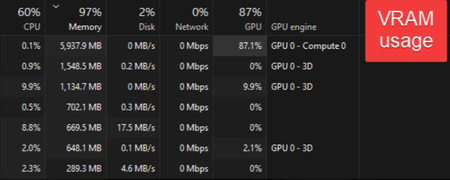

Open Task Manager: Press Ctrl + Shift + Esc together, or right-click the taskbar and select "Task Manager."
Go to the "Performance" tab: Click the Performance tab at the top of the window.
Select "GPU": In the left-hand sidebar, click on "GPU 0" (if you have multiple graphics cards, you'll see GPU 0, GPU 1, etc.).
Once selected, you'll see detailed memory information on the right side:
Dedicated GPU memory: This is the physical VRAM built into your graphics card. It will show as Used / Total (e.g., 2.1 GB / 8.0 GB). This is the key metric to check if you're running out of video memory.
Shared GPU memory: This is memory that the operating system allocates from your system RAM for the GPU to use if needed. It cannot replace dedicated VRAM for performance.