Forum Discussion

JaydenMiller
Jun 17, 2026Iron Contributor
How to Fix Display Proportions When Enabling 125% Text Scaling in Windows 11
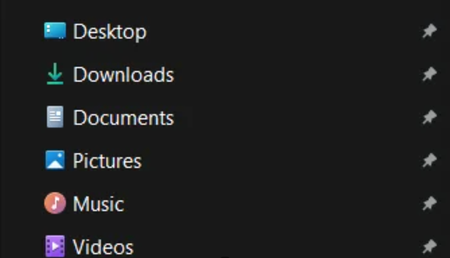
At 125% zoom, the File Explorer interface appears too large and out of proportion; I’d like to know if there’s a way to restore it to its normal appearance.

Jamony
Jul 06, 2026MCT
Hi, Windows text scaling and display scaling are separate settings, and using text scaling can make parts of File Explorer look uneven. Try setting Accessibility > Text size back to 100%, then use Settings > System > Display > Scale at the recommended value instead. Sign out and back in afterward so Explorer and shell components redraw cleanl