Forum Discussion

TW1521
Feb 04, 2026Copper Contributor
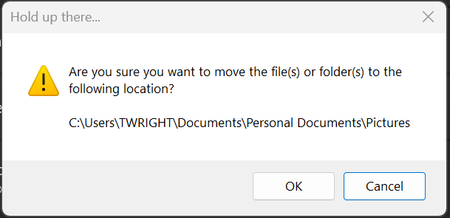
How to Disable Drag and Drop Pop Up
I just got a new Dell Laptop that came with Windows 11 Pro version 25H2 (26200.7623). When trying to drag and drop between two folders I get this pop up. How do I disable it? I'm assuming a reg...

Adscsc
Feb 08, 2026Iron Contributor
In the Registry Editor, navigate to
HKEY_CURRENT_USER\Software\Microsoft\Windows\CurrentVersion\Explorer. Create a DWORD value named DisableDragDropPopup and set its value to 1, then restart the computer.