Forum Discussion

ammarjaved
Sep 22, 2021Iron Contributor
How to Disable Background Apps Windows 11
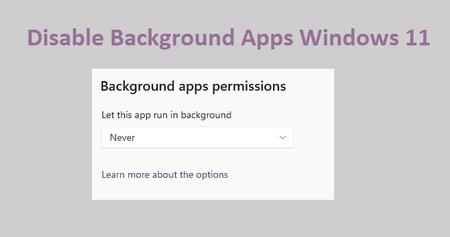
Disable Background Apps in the Settings app 1. Launch the Windows Settings app. 2. Click "Apps" on the left sidebar, then "Apps & features." 3. Locate the app, then click the "three-dot...

Spiceytacos
Dec 29, 2025Copper Contributor
Latest windows 11 doesn't have this. nothing seems to work when it comes to this. My view is if it's not broken why fix it? Windows 10 was great. I don't understand why windows feels the need to make their Os more and more commercial and not aimed for performance and functionality? We should be able to control what runs in the background and what does not. Once upon a time you could find the background aps tab in task manager too and chose to deny the run of the apps that way too .We spend too much money on our computers to have windows bring us unnecessary stuff and deny us the ability to control what is running on our computers.