Forum Discussion

ammarjaved
Sep 22, 2021Iron Contributor
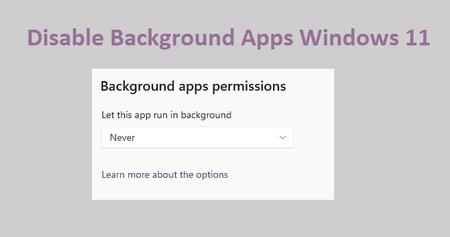
How to Disable Background Apps Windows 11
Disable Background Apps in the Settings app 1. Launch the Windows Settings app. 2. Click "Apps" on the left sidebar, then "Apps & features." 3. Locate the app, then click the "three-dot...

rohan4655
Jul 17, 2022Copper Contributor
David1826 Disable Background Apps for all users with Group Policy Editor
1. Enter gpedit.msc into the Run text box by pressing Win + R.
2. Navigate to "Computer Configuration\Administrative Templates\Windows Components\App Privacy"
3. Double-click the "Let Windows apps run in the background" policy in the right pane.
4. Select the "Disabled" choice, then select "Apply" and "OK."

Ranajii865
May 30, 2023Copper Contributor
rohan4655 please guide me to install gped.msc