Forum Discussion

Kamden
Jun 01, 2026Tin Contributor
How do I stop this on Windows 11 PC?
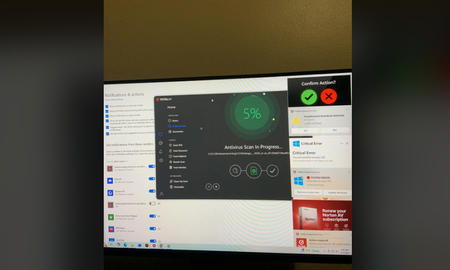
I was getting notifications and downloads that I wasn’t doing I downloaded total av and total av ad blocker it’s currently running a deep scan it already ran and cleaned up a normal scan what do ...

Jamony
Jul 10, 2026MCT
Hi, those are often browser website notifications rather than a Windows infection. In Edge or Chrome, open Settings > Site permissions > Notifications and remove or block the two senders. Then remove unfamiliar browser extensions, clear those sites' permissions, and check Settings > Apps > Installed apps for anything you did not install. Run a Microsoft Defender full scan and Defender Offline scan. Avoid running several antivirus products together because they can conflict. Also review the browser's Downloads page and delete untrusted installers without opening them. If pop-ups continue with every browser closed, share a screenshot with personal details hidden.