Forum Discussion

Forgot MS password
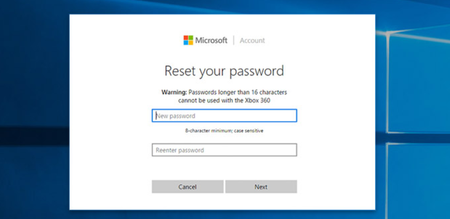

1.Select "I forgot my password": Choose this option and click "Next."Enter your email address: Provide the email address associated with your Microsoft account. You may also need to enter characters from a CAPTCHA to prove you're not a robot, and then click "Next."
2.Choose a verification method: Microsoft will offer you different methods to verify your identity (as receiving a code via email or SMS). and click "Send code."
3.Check your email or phone: Look for the verification code sent by Microsoft. Enter the code on the password reset page and click "Next."
4.Set a new password: Once your identity is verified, you’ll be prompted to create a new password. e
5.Sign in with your new password: After resetting, you can log in to your Microsoft account with your new password.