Forum Discussion

File History has stopped functioning
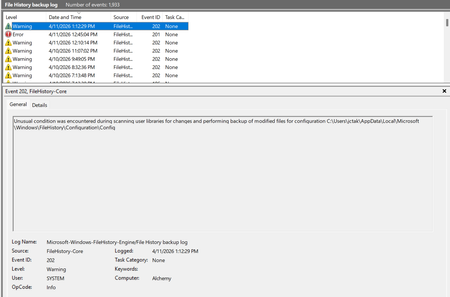

I have recently had a File History problem and getting message "Reconnect your drive - Your files will be temporarily copied to your hard drive until you reconnect your file history drive and run a back-up". I spent 4 hrs with co-pilot carrying out a string of actions to no avail. Then spoke to Microsoft L1 support and the first call cut off and the person did not ring me back. The second person refused to share screen but dismissively said i needed to restore to factory settings as it was probably a corruption. I had already run DISM to RestoreHealth and no problems were encountered. I have since bought a new laptop and apart from the windows updates there is nothing else on it and I get exactly the same message when I try to run File History. I think it is time for Microsoft to come clean and admit the problem and provide a solution.