Forum Discussion

Oneharem
Aug 07, 2025Iron Contributor
Dcom error - did not register with DCOM within the required timeout
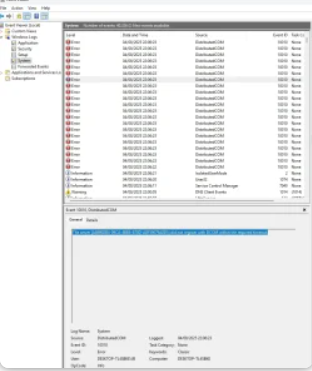
I keep getting this error every time I start the computer: The server {AB8902B4-09CA-4BB6-B78D-A8F59079A8D5} did not register with DCOM within the required timeout. I have already done a lot ...

Delikell
Aug 12, 2025Iron Contributor
Open Services (Win + R, type services.msc, press Enter).
Find DCOM Server Process Launcher and RPC Endpoint Mapper.
Ensure they are set to Automatic and are Running.
Restart these services:
Right-click, choose Restart.