Forum Discussion

Oneharem
Aug 07, 2025Iron Contributor
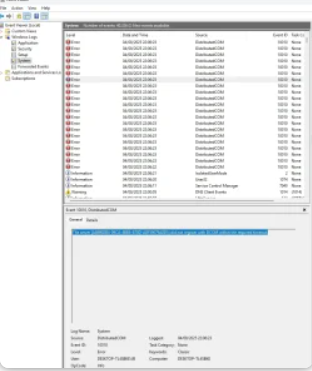
Dcom error - did not register with DCOM within the required timeout
I keep getting this error every time I start the computer: The server {AB8902B4-09CA-4BB6-B78D-A8F59079A8D5} did not register with DCOM within the required timeout. I have already done a lot ...

AxtonThane
Aug 10, 2025Steel Contributor
In Registry Editor, navigate to:
HKEY_LOCAL_MACHINE\SOFTWARE\Microsoft\OleLook for or create these DWORD values:
- RemoteActivationTimeout (default is 30000 ms)
- LocalActivationTimeout (default is 30000 ms)
Increase these values (e.g., to 60000 ms)