Forum Discussion

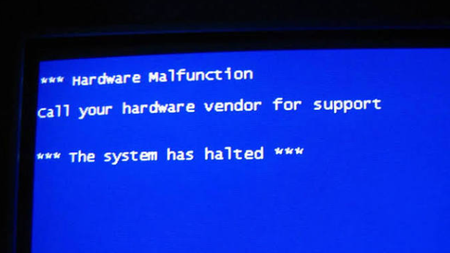
Could a computer explain why it crashed?
 Aug 07, 2026
That's not possible at this time, but third-party debugging tools can convert blue screen codes into brief descriptions.

Windows can collect enough evidence to suggest why a crash occurred, but it cannot always identify one component with certainty. Windows Error Reporting, Event Viewer, Reliability Monitor, and crash dumps preserve the stop code, failing thread, loaded modules, and selected memory state. A debugger can identify the module active at failure, yet memory corruption, unstable hardware, power loss, or an earlier driver error may surface somewhere else later. Enable Automatic memory dump under System Properties > Startup and Recovery, reproduce the failure, and retain the dump from the Windows Minidump or MEMORY.DMP location. Check Reliability Monitor and the System log at the same timestamp, then analyze the dump with WinDbg and run !analyze -v. Update the implicated driver or firmware and repeat the test. Treat the result as a ranked diagnosis, not proof, unless repeated