Forum Discussion

Can the Win11 Taskbar Be Perfectly Customized?
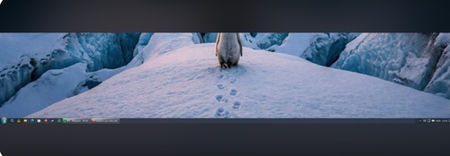

Windows 11 lets you customize the taskbar, but not freely in every way shown in your screenshot. Built-in settings support rearranging pinned icons, choosing left or centered alignment, pinning or unpinning apps, and showing or hiding selected taskbar and system-tray items. Right-click an empty taskbar area, open Taskbar settings, then use Taskbar items for Search, Task view, and Widgets. Open System tray icons and Other system tray icons to control supported tray entries, and drag pinned apps or tray icons to reorder them. Expand Taskbar behaviors to choose alignment and optional automatic hiding. The standard desktop taskbar has no supported control for arbitrary app-icon sizes or for moving the taskbar to the top or sides, and some system components cannot be removed. Microsoft does not document or endorse third-party shell modifiers for these unsupported changes, so I cannot recommend one confidently; use only the built-in controls if stability matters.