Forum Discussion

curtnos
Nov 01, 2021Copper Contributor
[urgent] Recover entire system from Windows.old
The original issue came about when I plugged in a hard-drive formatted for a NAS bay as my second PC hard-drive. Suddenly, my computer insisted that Windows 10 was corrupted, even after removing the ...

SalmanAhmed
Nov 01, 2021Steel Contributor
Hi curtnos
Before you start, I will recommend you to backup the following folders to the safe place:
- Contacts
- Desktop
- Documents
- Downloads
- Favorites
- Links
- Music
- OneDrive
- Pictures
- Saved Games
- Searches
- Videos
You need to copy it from the below locations:
C:\Windows.old\Users\<your-user-name>\
C:\Users\<your-user-name>\
Once you've done, go to the "Go back to my previous version of the Windows 10" and select "Get started". It will restart your computer in recovery mode and restore you previous Windows.

curtnos
Nov 02, 2021Copper Contributor
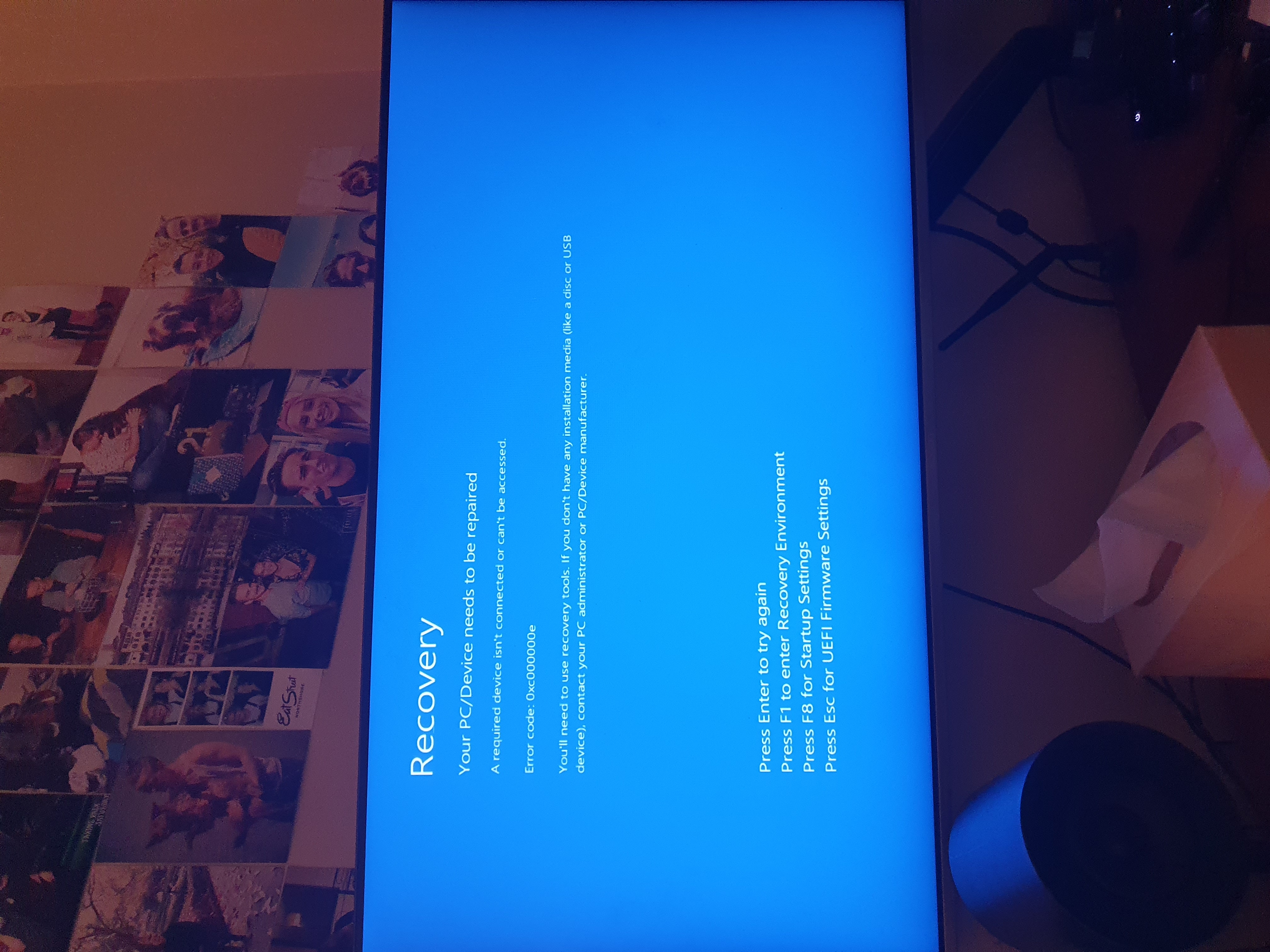
This is as far as I can get by using the boot manager to start on the corrupt partition, but none of the options get me anywhere even though I have a bootable USB in
- SalmanAhmedNov 02, 2021Steel Contributor
Hi curtnos,
I found this useful article with a number of useful steps to troubleshoot your issue, please check it out:
http://woshub.com/restoring-windows-recovery-environment-winre-in-windows-10