Forum Discussion

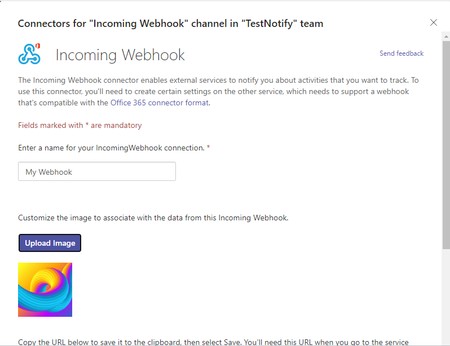
Icon image set for Incoming Webhook in MS Teams is not displaying.
 Oct 26, 2023
Hi Prasad_Das-MSFT and benniah - Yes, I have connected with the engineering team. At the time of debugging, we created a new incoming webhook and set the icon image to it and it worked! as expected. Before the call, I updated my MS Teams applications to the latest version. So it seems that this issue is fixed in the latest version. benniah - You can try to update the latest version of MS Teams and also create a new webhook to test it.
Hi Prasad_Das-MSFT and benniah - Yes, I have connected with the engineering team. At the time of debugging, we created a new incoming webhook and set the icon image to it and it worked! as expected. Before the call, I updated my MS Teams applications to the latest version. So it seems that this issue is fixed in the latest version. benniah - You can try to update the latest version of MS Teams and also create a new webhook to test it.

anishabhyankar Updating to the new MS Teams fixed the issue
 KarlaSantosDec 27, 2023Copper ContributorSame here. It was working fine and now it's not, out of nowhere, with no code changes.
 jakalutharNov 06, 2023Copper Contributor
benniah I have the same problem, but sadly this is not a solution for me as I'm using the web based Teams. I've tried Ctrl+Shift+R and that doesn't fix it.
I can confirm that this functionality was perfectly fine two months ago and I've discovered the issue today. Microsoft must have broken something in the meantime.