Forum Discussion

ms-user-1
Jul 18, 2024Copper Contributor
Issues with MS Teams Connectors
Hi, We recently started having issues adding new connectors to MS Teams channels for message posting. It was working ok few weeks ago as we were able to search for connectors and add it to the chan...


sebastianracs
Aug 06, 2024Copper Contributor
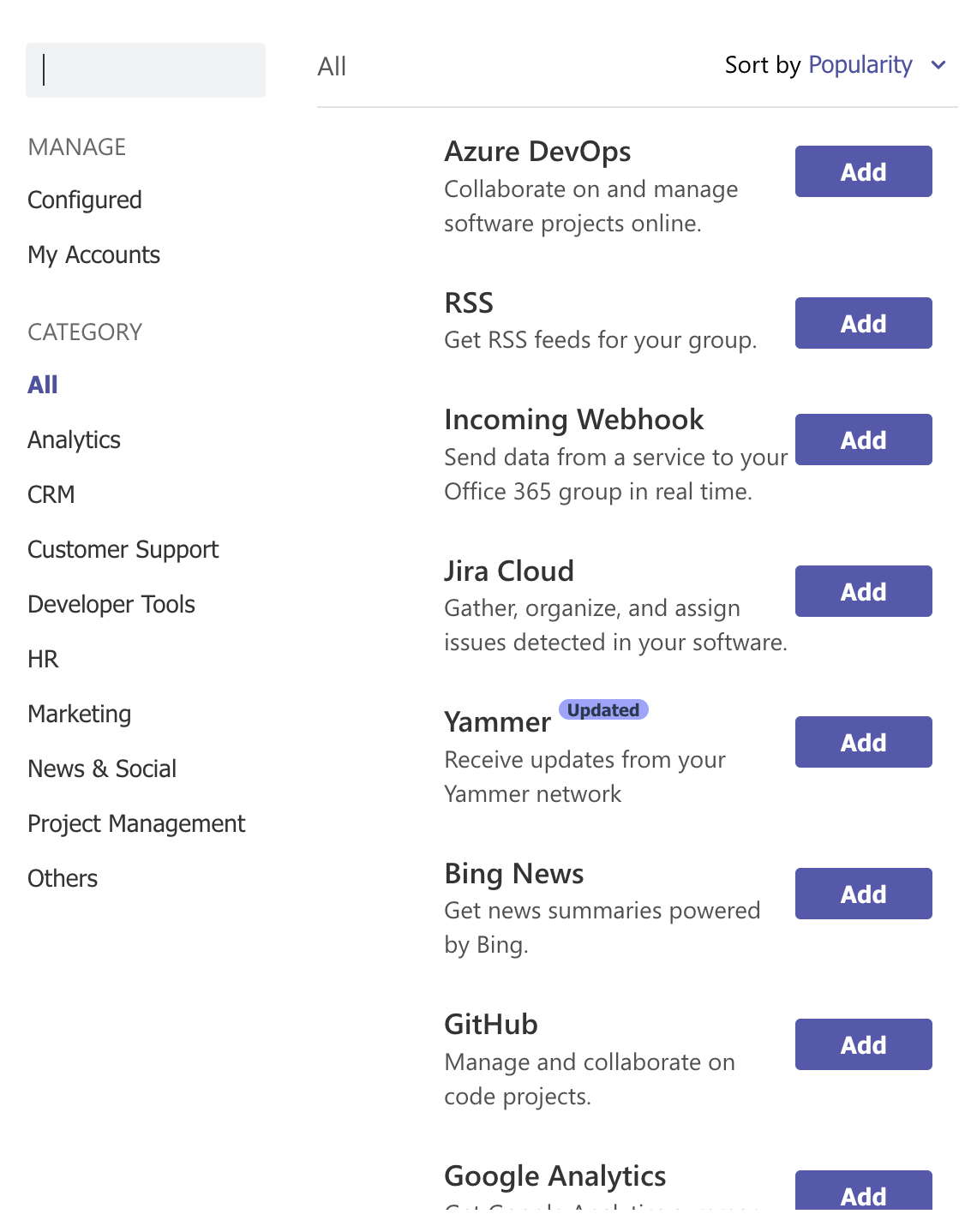
Today, If I now go to the Connector page, I see that the icons work again on the start page and there is now a note to use the Teams Web client:
In the Teams client, the Configured page will still not load. But if you go to https://teams.microsoft.com/v2/ in your browser and use it there, then it will load after waiting a while:
My understanding is that this way we can now again retrieve our webhook URLs, change settings, remove connectors and add new ones (at least until August 15th).

Prasad_Das-MSFT Microsoft
Aug 06, 2024Microsoftsebastianracs - Yes, you are correct. According to latest update from engineering team, you can start using teams web to create Incoming Webhook & RSS connectors. However, the fix for Teams Desktop client is under investigation.
 EmilyL1135Aug 06, 2024Copper ContributorI'm now able to see the configured list in the web UI but when I try to click "Manage" on the connector setup the screen hangs. So I still can't get in to manage the old connections or see the setups. Is there an ETA for that part? I'm OK using it on the web instead of desktop but it's still unusable.