Forum Discussion

Issue with Teams Tab App

 Microsoft
Hello achebrol,
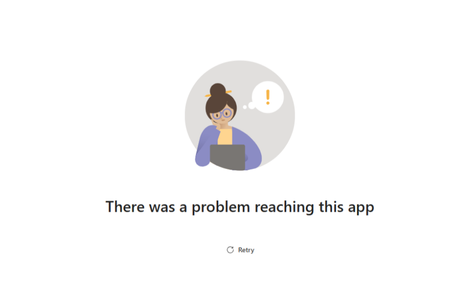
Intermittent connectivity issues in a Teams tab app—especially when hosted on AKS—typically stem from network routing, DNS delays, or transient connectivity failures rather than actual app downtime. Because retries usually succeed, the app is likely healthy, but some requests fail to reach it. Troubleshooting should start with checking detailed error messages and network traces in Teams to identify whether the failure is due to DNS, TLS, or HTTP routing issues.
Common causes include DNS resolution delays, certificate or TLS problems, ingress or load balancer instability, and client-side proxy or network constraints within Teams. To diagnose the issue, review AKS ingress and application logs, test DNS resolution, examine ingress health, verify SSL/TLS configuration, and use network tracing tools. Potential fixes include lowering DNS TTL, adjusting ingress timeouts, ensuring proper health probes, validating Teams manifest domain entries, and using Azure Front Door or Traffic Manager to improve reliability.