Forum Discussion

Michael Butterfield
Sep 19, 2019Iron Contributor
Turn off 'You may also be interested in' web part
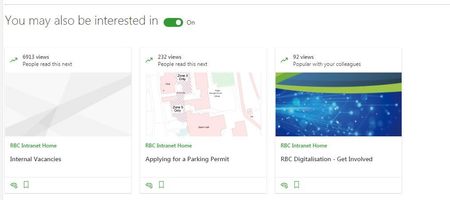
Is there an option to permanently turn off this annoying feature that automatically adds this useless web part to new pages? It's so pointless, and populating a page with a web part with...

Robin Nilsson
Oct 01, 2019Bronze Contributor
Ryan Schouten I think you can do it in the site features - it hasn't shown up for my tenant yet but I have a task for testing this feature.
To disable SharePoint Recommendations on a site, you can do so through the SharePoint Features page:
Click on the Settings Cog Wheel -> Site information -> View all site settings -> Manage site features.
Go to SharePoint Recommendations and select "Deactivate".

Johnny_Tzanos
Oct 02, 2019Copper Contributor
Thanks! This seems to have worked for me. Although I still see the web part when the page is in Edit mode, after I publish it no longer shows up.