Forum Discussion

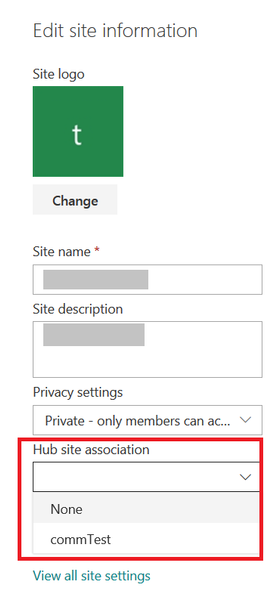
Trying to associate a site with a Hub site will return this error "Sorry you do not have access"


ChrisWebbTech wrote:
Even thou it says they should be public by default try explicitly grantint the user access to add to the hub site per : https://docs.microsoft.com/en-us/powershell/module/sharepoint-online/grant-spohubsiterights?view=sharepoint-ps
ChrisWebbTechthanks for the reply.. in the official MS documentations, they mentioned the following:-
When prompted with Principals[0], ........ If you want all site collection administrators in the organization to be able to associate their sites with the hub, press Enter at the first prompt.
and as per my knowledge, if an end user create his own modern team site, then this end user will be the site admin of the modern team site, is this correct? so he should be able to associate his modern team site with the above hub??
- Dec 06, 2018Only one way to find out 😆
- john johnDec 06, 2018Steel Contributor
ChrisWebbTech wrote:
Only one way to find out 😆ChrisWebbTech now to be more specific, on the end user modern team site collection, the "site collections" include the "site owner" group.. and the "site owner" group already contain the end user... so this mean the end user is a site administration...
- Dec 06, 2018No. People on the sharepoint owners group just have full control. They are not site collection admins. If the site is 365 group connected and in the owner group of the 365 group then they are. However sometimes I’ve seen things not work from that and you have to explicitly give someone site collection admin on a site using set-spouser powershell.