Forum Discussion

Standard Web Parts Disappeared
- Sep 14, 2023
peruchinit Hey, looks like you've created a news post using one of the new 'News for Email' templates.
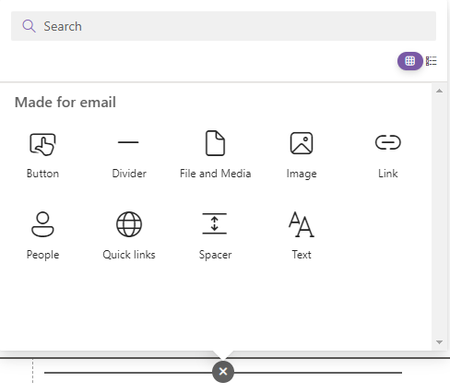
These posts are pretty clever - but they're limited. They're designed to work in SharePoint and also in email clients. This means that the available web parts are limited to ones that will work in emails - you can read more about them here: SharePoint News for Email templates - Microsoft Support
If you want all the web parts, you'll need to create a new news post and choose one of the 'Standard' templates instead (e.g. Blank, Visual, Basic text)


Good afternoon LouiseC35
I had this same problem and found that if you (on a regular page or standard news post) only see the Made for email webparts option you can refresh while in edit mode and all the webpart options will show up.

- Amanda1231930Nov 02, 2023Copper ContributorMarinBuric are you trying this on a standard (not made for email) news post or a page? It won't work on a made for email news post. It worked for me for both stated above, sorry it is not for you!