Forum Discussion

SharePoint People/Group Column sorting when adding People
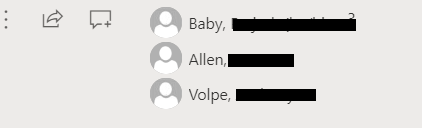
- Feb 14, 2023
Hi smithmrk,
i think the users are displayed in the order of their entries in the "User Information List" of your site collection (see https://mytenant.sharepoint.com/sites/mysite/_catalogs/users/simple.aspx).
(Person fields are just references to that list and for multi person field SharePoint seems to resolve the information from that list in that order)
I would create three separate one-person fields:- First Approver
- Second Approver
- Third Approver
Best Regards,
Sven


smithmrk Experienced the exact same issue recently. Had to revert to the classic experience for my ordering of people in the People field to be respected.
- Gabriela_DApr 19, 2023Copper Contributor
Could you kindly provide more details?
I also have an "Approvers"column and cannot seem to find a way to sort them in the order they are added. The sorting is done by their ID.
I cannot change the column type as I am using it for an approval flow.
Thank you in advance for your response!
 smithmrkApr 19, 2023Copper ContributorSo what I ended up doing was not using the Approvers Column at all. I created another column called Approvers E-Mail...and in that column I just put in the E-Mail Address of all my approvers separated by semi-columns. For example: email address removed for privacy reasons;email address removed for privacy reasons;email address removed for privacy reasons and then I would pull this column and do a "Split" function on that column into an array so 0 = the first e-mail, 1 = the second e-mail, etc...
- smithmrkMar 06, 2023Copper ContributorJason_gagne
Thanks for the tip!