Forum Discussion

SharePoint Online - List Properties Web Part not working?
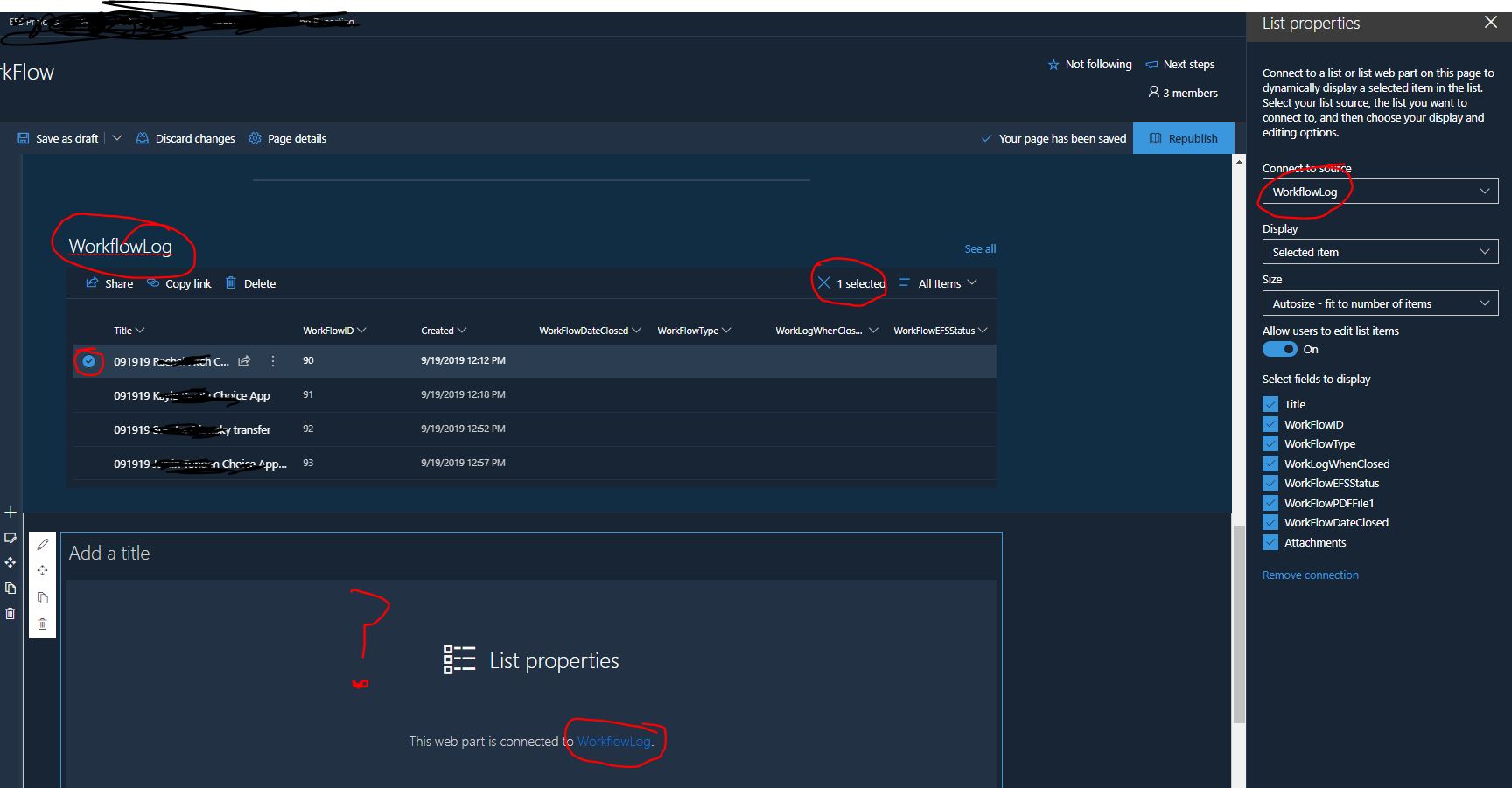
- Oct 10, 2019
Hi LavaJones,
I have the same experience. I can get it work temporarily by changing the view in the List web part but it does not persist. It seems like a bug and I will report it to support.
I hope this helps.
Nnorm

Hi LavaJones,
I have the same experience. I can get it work temporarily by changing the view in the List web part but it does not persist. It seems like a bug and I will report it to support.
I hope this helps.
Nnorm
 sjbRectorOct 12, 2019Copper Contributor
Hi Norman Young,
I'm new to all this... We are having a similar issue. By trail and error the issue for us seems to be when we have a column in the connected list that has been set up as 'Date' type. If we use any other type everything appears to work - it's only when the column has been selected as 'date' that the List Properties Web Part appears blank on the page. If anyone has a work around I would be interested to know...
many thanks
 LC1AmaNov 06, 2019Tin Contributor
I have the same issue. My list properties do nothing when I select an item in the list view. I change the view from All Items to a different one and it works, I go back to All Items and it works too. I do have date fields in the list and by changing them date property to text I still have the same experience.
Any news on a reported bug? I have looked and don't see one. This is really annoying,...users just think the page isn't working. I've had to add a prominent box at the top stating CURRENT MS SPO BUG and tell them to change the view and reset it for the page to work. 😕
- Norman YoungNov 06, 2019MVP
@ received an update from support today:
"We got an update from the escalations that the product team is working on the issue and soon it should be fixed"