Forum Discussion

Sharepoint List Export selected
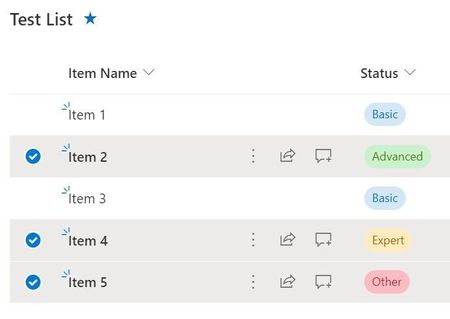

Beutebaer This is not available using SharePoint out of the box capabilities. If you want use SharePoint out of the box options only, you will have to use the workaround as mentioned by RobElliott .
And yes, you will have to again set No to 60 items after your export those items and you want to export another set of list items. You can do such bulk updates using Edit in grid view option in SharePoint lists.
OR you can use this custom list view command set extension developed using SPFx for exporting selected list items from SharePoint list: SPFx Export Selected Items to Excel - ListView Command Set
Please click Mark as Best Response & Like if my post helped you to solve your issue. This will help others to find the correct solution easily. It also closes the item. If the post was useful in other ways, please consider giving it Like.
For SharePoint/Power Platform blogs, visit: Ganesh Sanap Blogs

All the option you named are not use able for me, But thanks for your post.