Forum Discussion

henok745
Jun 24, 2020Copper Contributor
SharePoint Date Column Validation not showing error
Hi,
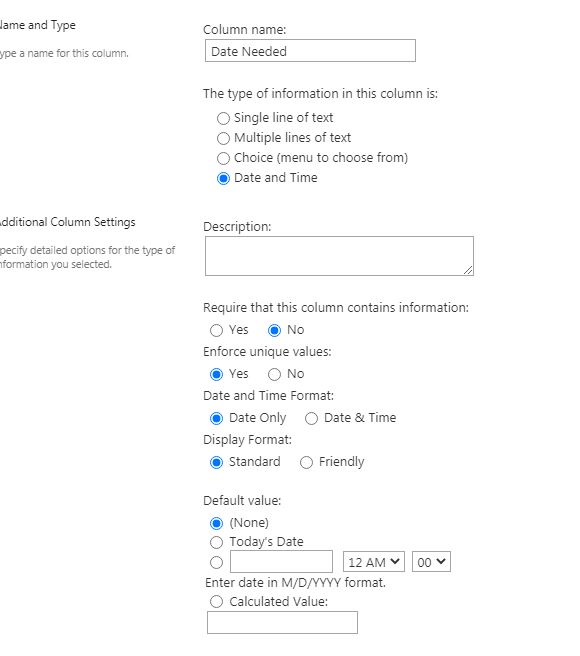
I have a date column in a list that I would like to have a validation on where users can't select a date within the next days of today. I have got this formula to validate but there are 2 issues. The column does accept only days.
={Date Needed]<TODAY()-7
- When a user puts a date within the next 7 days it would save(expected) but it doesn’t show error even though I put an error message.
- Even if the user selects a date that is 30 days from now it will still not save the file and no message too
I have tried to put the formula in the validation setting and inside the column setting.
I have also tried to see it's possible to edit using the PowerApp but the save data card doesn’t show in the app so I can’t but a rule in
Any suggestions
No RepliesBe the first to reply