Forum Discussion

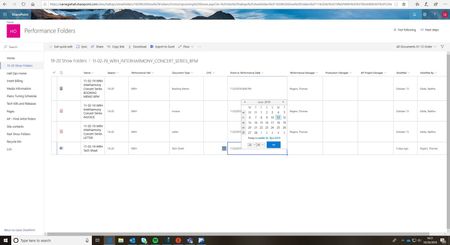
Sharepoint Calendar Date/Time language issue

jjsnow We are also having the same issue in our environment.
It happens when using quick edit mode. Did you find a way to fix the issue ?

I think I may have corrected it. When you go into site settings/regional settings, I set the alternate calendar to Gregorian as well. Seems to be working now.
- jkiblerfbibuildingsJul 20, 2020Brass Contributor
Is this still working for you? Had a user report that the date column was in Czech again, both calendars settings are set to Gregorian.
- DanZ24Jul 20, 2020Tin Contributor
 d_acostaAug 06, 2020Copper Contributor
I am having this issue as well. Changed on its own. There are multiple lists on my subsite. The other lists does not have this problem. I have been working on a new PowerApps form for this list, not sure if this is the cause of the problem. Lists that do not have this problem use the default SharePoint form.
- jkiblerfbibuildingsJul 15, 2020Brass Contributor
Thanks, this helped me as well. I am less and less surprised by the random glitches in SharePoint.