Forum Discussion

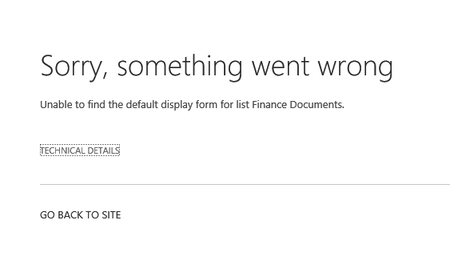
Migrate Libraries using ShareGate's Copy Site Object misses DispForm.aspx for the library

 Oct 19, 2017
Hi Louis,
Full disclosure, I work for Sharegate :) Here's what you need to do to resolve your problem:
1. Download and install Sharepoint Online Management Shell
2. Open a Sharepoint Online Management Shell prompt
3. Run the two following commands:
Connect-SPOService -Url https://YourDomain-admin.sharepoint.com
Set-SPOSite -Identity https://YourDomain.sharepoint.com/sites/YourSite/ -DenyAddAndCustomizePages 0
4. Try to remigrate.If that doesn't work, contact support@share-gate.com and they'll be happy to give you a hand! Good luck :)
Hi Jonathan!
If you are only copying the content of your site (Copy Content), then yes it is possible. If you copy the full structure of your lists and libraries in your Site, the pages will also be copied. Hope this helps!

Does Microsoft plan on creating an API for the modern lists and libraries so that ShareGate will be able to copy lists/libraries to modern lists/libraries? it is a pain point for our current migration. For Each list online, I am creating a new app, adding and setting columns (re-creating the list), the using migration tool to migrate content.