Forum Discussion

People Picker Fields Not Displaying Correctly in Microsoft Edge (SharePoint List)
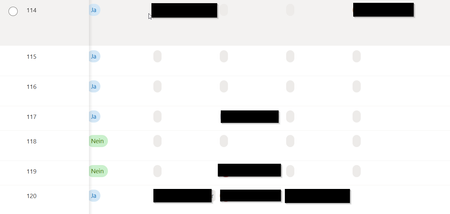

Hi, thanks four your reply.
Using a different browser is not the best way, as Edge is the default in the company (of course it works with Chrome).
I tried Private Mode as well as deleting cache and cookies. For the first time loading the page (both cases) it worked. However, after refreshing the site, fields where missing again.

I ran into this too recently, and the fix was changing my permissions. Sure enough, I was using Edge, and it did work in Chrome. It also worked in an InPrivate window.
My account was added to a limited access group, and changing my permission level solved the issue. Keep in mind that I had to wait (up to 24 hours) for the SharePoint page to refresh before I saw the names back on the list. I believe I could have logged out of my 365 account and back in if I didn't want to wait. For me, it was the end of the day, and the list refreshed by morning.