Forum Discussion

Vaibhavv
Apr 03, 2020Copper Contributor
Open links on tiles in a separate window
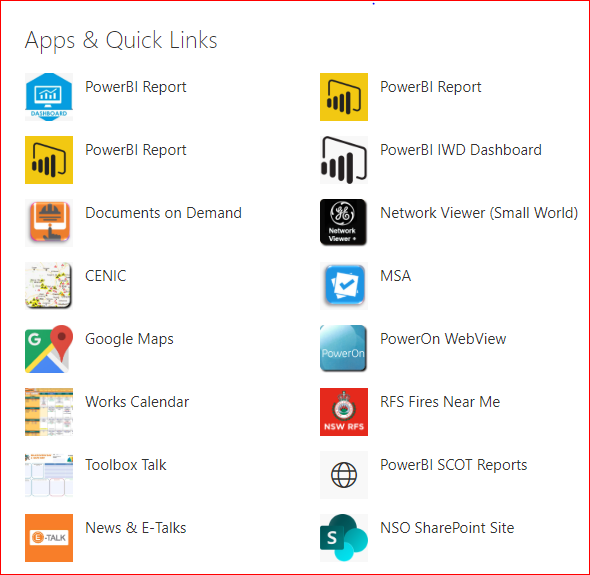
How to enable all links available for tiles in a Quick Link web-part on a SharePoint Online page to open in a separate window, rather on the same tab or different tab. By default SharePoint links ope...

beardoug
Sep 23, 2022Copper Contributor
I voted for this as well. Note: there are several very similar 'open links in new Tab' posts. Truly asinine that this feature was taken away, yet within the Text web part you can check a box to open links in a new tab. Of course, they will probably take that feature away now also. 😉

Susan_Hanley
Sep 23, 2022MVP
You can also now open navigation links in a new tab (or will be able to if it isn’t in your tenant yet). That said, accessibility guidelines generally don’t recommend opening in a new tab on behalf of the user unless not doing so would disrupt the flow of work. So just because you can, doesn’t mean you should. Opening in a new tab can be confusing on mobile too. So, while I suspect these features will be available in other places in SharePoint Online at some point, that doesn’t mean it is always a good idea to use them. So while I agree that I want these capabilities, I am also aware that they have the potential to create really horrible user experiences when available to people who don’t fully think about the implications.
- beardougSep 23, 2022Copper ContributorYou make an excellent point regarding mobile; I appreciate that clarification. The user experience from a desktop browser is my target audience for my application, and the general behavior to 'close' rather than use the 'back' arrow after you have navigated away from the initial site. By opening in a new window this is resolved--I'd rather have one too many Tabs open than to have closed the initial site altogether. And I also agree -- can and should are different and there should be thought behind the decision each time. This is why it is frustrating that the option has been removed.