Forum Discussion

Jens Christian Balondo
Mar 18, 2017Copper Contributor
Modern team site - How to set Root Site Collection to modern Team Site
Hello, in the SP Admin center I already set set the new experience. And if I create a new Site Collection the design gives my also the modern team sites. But how can I set my root site collec...

Mar 18, 2017
Creation of modern team sites from the SPO Landing Page is still in roll out in production so if you are not in First Release, that's probably the reason why you cannot create modern team sites yet

Jens Christian Balondo
Mar 18, 2017Copper Contributor
Hi Juan,
I can create modern Teamsites. But only from any other Site Collection under Root.
How can I check that I'm inside the First Release?
I can create modern Teamsites. But only from any other Site Collection under Root.
How can I check that I'm inside the First Release?
- Mar 18, 2017You can check in the Office 365 Admin Portal: Configuration setion -> Organization profile -> Release preferences
- Jens Christian BalondoMar 18, 2017Copper Contributor
The first release preferences is set to everyone. As I mentioned I've got the modern pages in all new team sites but not in my root (except libraries and lists).
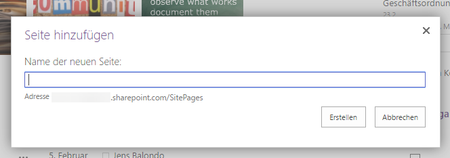
https://tenant.sharepoint.com/SitePages/new_page.aspx -> Old pages
https://tenant.sharepoint.com/sites/new_site/SitePages/new_page.aspx -> Modern pages
https://tenant.sharepoint.com/sites/new_site2/SitePages/new_page.aspx -> Modern pages
- Mar 19, 2017
Activate the "Site Pages" site feature and then navigate to your site pages library, use the drop down menu for new and create a new "Site Page".
