Forum Discussion

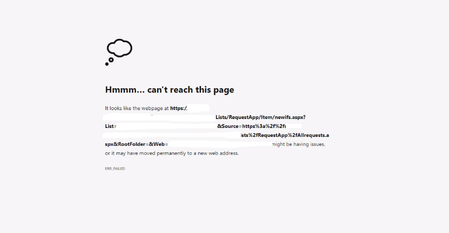
'Hmmm...can't reach this page error' on uploading attachment in Infopath form
- Sep 14, 2023
Hi WalterBranten,
there can be various reasons for causing your issue, you can do this to troubleshoot the problem:
1. Double Check User Permissions:
- make sure that the new user has the same level of permissions as the existing user.2. Browser:
- clear the cache on the existing browser and/or try it with a different browser3. Clear Office Cache:
- You can try clearing the Office cache on the user's computer:- Open Windows Explorer.
- In the address bar, enter %USERPROFILE%\AppData\Local\Microsoft\Office\15.0\OfficeFileCache.
- Delete all the files and folders within this folder.
Please click Mark as Best Response & Like if my post helped you to solve your issue.
This will help others to find the correct solution easily. It also closes the item.If the post was useful in other ways, please consider giving it Like.
Kindest regards,
Leon Pavesic

Hi WalterBranten,
there can be various reasons for causing your issue, you can do this to troubleshoot the problem:
1. Double Check User Permissions:
- make sure that the new user has the same level of permissions as the existing user.
2. Browser:
- clear the cache on the existing browser and/or try it with a different browser
3. Clear Office Cache:
- You can try clearing the Office cache on the user's computer:
- Open Windows Explorer.
- In the address bar, enter %USERPROFILE%\AppData\Local\Microsoft\Office\15.0\OfficeFileCache.
- Delete all the files and folders within this folder.
Please click Mark as Best Response & Like if my post helped you to solve your issue.
This will help others to find the correct solution easily. It also closes the item.
If the post was useful in other ways, please consider giving it Like.
Kindest regards,
Leon Pavesic
 WalterBrantenSep 21, 2023Copper ContributorThank you Leon for your response.
This was the solution