Forum Discussion

Have members with 'Read only' access


Update:
My solution for this is for situation #2.
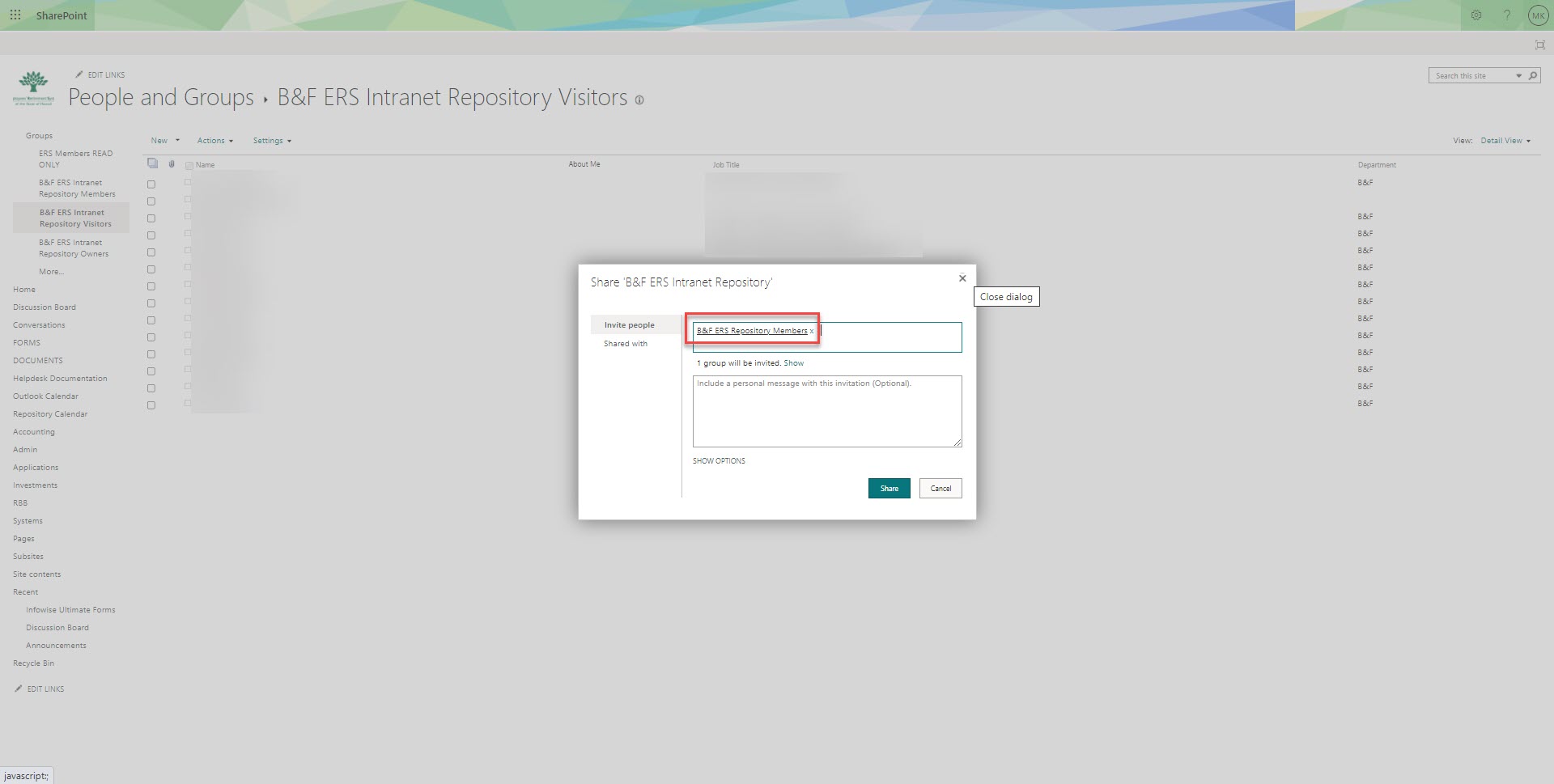
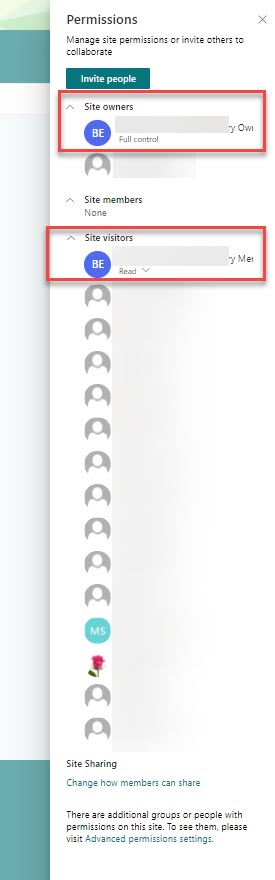
I had created a new member group and added members to it. Then I had to add them to the Site Visitors list through the Advanced Permission Settings (seen in attached). This group now displays under Site Permissions>Visitors. They seem to be members with 'read only' access. This is how to add members as read only. They are still unable to view the Planner application.
This application has its own group, which is different from member groups on the Site itself. Members need to be added to their specific Planners as well through the Planner application. I believe this can be done through the Outlook Planner interface. I have been instructed that we no longer need the Planner application so I will not be pursuing the issue any further but that's what I got from my experience.