Forum Discussion

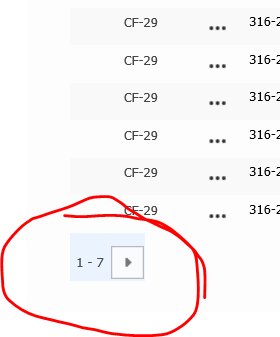
FORWARD button on SharePoint list
 Dec 01, 2020
Eva Vogel Thanks Eva. This didn't get me all the way there, but I think it helped. I EDITED the page that contained the webpart list in question. I then selected the webpart list and selected MODIFY VIEW. I set the number of items limit to 30 and saved it. I then reset the limit back to 7, and it seems to work now. Fingers crossed that it doesn't change again.
KelleyE1229 Okay. The plot thickens. I thought I had figured out a way to fix this problem, but the fix appears to have been temporary. It was "fixed" until I accessed the same list from a homepage tile. Then the button stopped working! I have attached a a few PDF slides that show step-by-step how it appeared to go from "fixed" to "unfixed". Any ideas to resolve are greatly appreciated.
- Eva VogelDec 02, 2020Iron Contributor
KelleyE1229 did you save the changed views setting from 7 to 30 items, as a new setting only for yourself? In a SharePoint 2013 site and page you can set up this new view on to your webpart on this page which is connected to that homepage tile.
I post here a short explanation how you get your new view from that list into that list webpart. Hope, that helps. Greets, Eva
