Forum Discussion

Enabling InfoPath for SharePoint Online
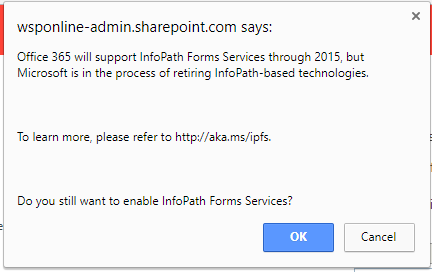

I am more of a PowerApps develloper than infoPath developer. I have to say I am helping a company move from SharePoint 2010 to SharePoint 365 cloud. I opted to modify their forms using PowerApps and was very disappointed to see PowerApps does not support some basic SharePoint controls such as radio buttons, checkboxes and even large text areas. The radio and checkbox controls were forced into drop-down menues. The multiline boxes were collapsed into one line. With these limitations in PowerApps, I can see what SharePoint users want to continue with InfoPath as sad as that is. Microsoft needs to fix these PowerApps limitations ASAP. In fact, I would say PowerApps is not ready to replace InfoPath at this point. I wish it was...

So one other big problem with PowerApps vs InfoPath. How do you save a great powerapp form as part of a site or list template? You could do this with InfoPath and a form Library... but PowerApps are still weak in support of building real enterprise type apps.